Work/Screens
Hometown
Everyday banking in one app. Open an account with a phone number, verify who you are, add money, send it to any local bank, pay bills and order a card, on the phone or on the web.
- Client
- Hometown
- Industry
- FintechBanking
- Role
- UI designer
- Services
- Mobile app designWeb app designLanding page design
- Timeline
- 2022
- Status
- Shipped

What was designed
- PlatformsMobile app and web appPlus a landing page
- Sign-upPhone number and passwordIdentity checked with BVN or NIN
- MoneyAdd money and send itTo any local bank, with saved beneficiaries
- BillsAirtime, data, electricity and TVPaid from the app
- CardsPhysical and virtual cardsOrdered and delivered in the app
- Timeline2022Shipped
The problems I solved
Six stages of a customer's journey. For each one: the problem, what I designed, and the screen that does it.
Open an account without a branch visit or a long form.
Meet the legal identity check without making it feel like one.
Bring money in from another bank and feel safe doing it.
Pay the same people and the same bills without typing them in again.
Never leave a customer guessing what a card costs or why a transfer is capped.
Give customers at a desk the same account on a bigger screen.
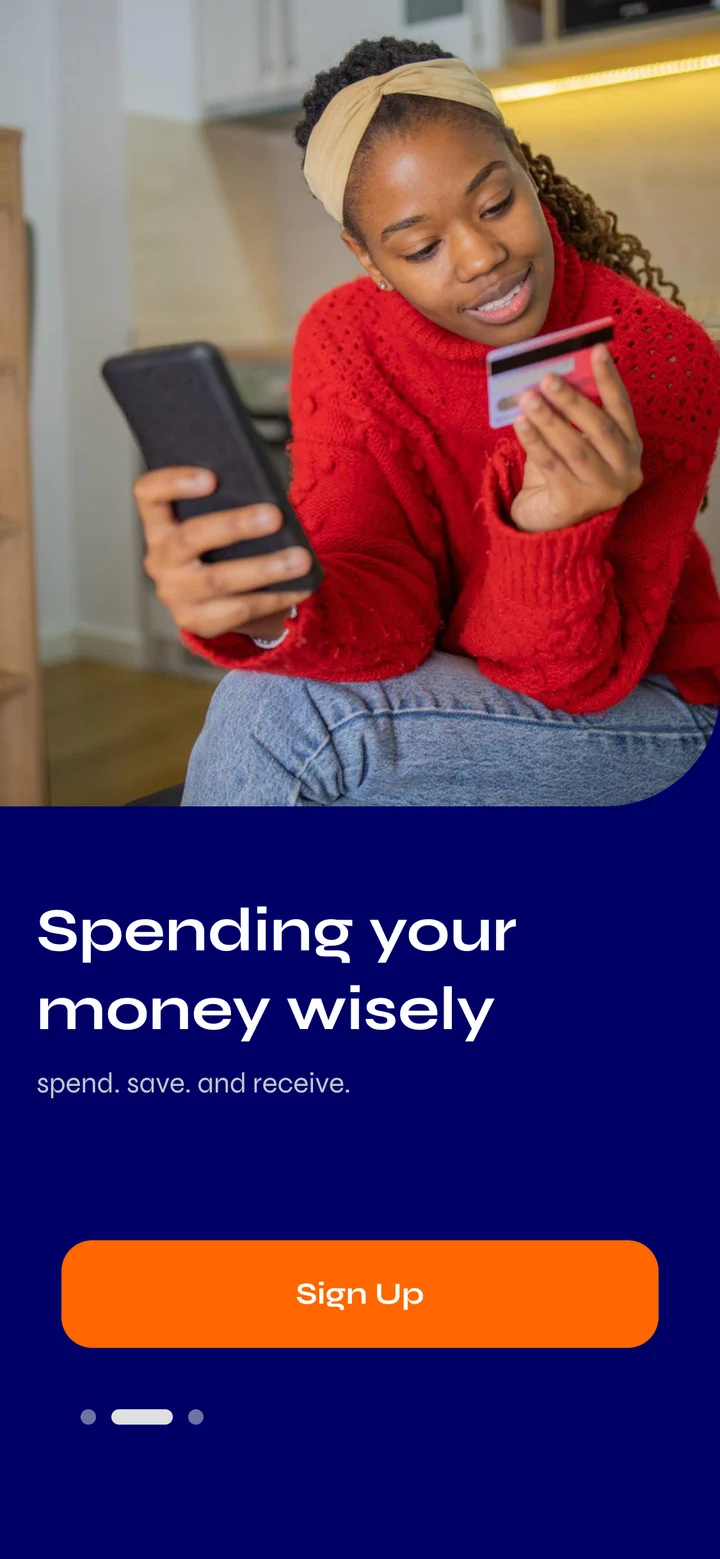
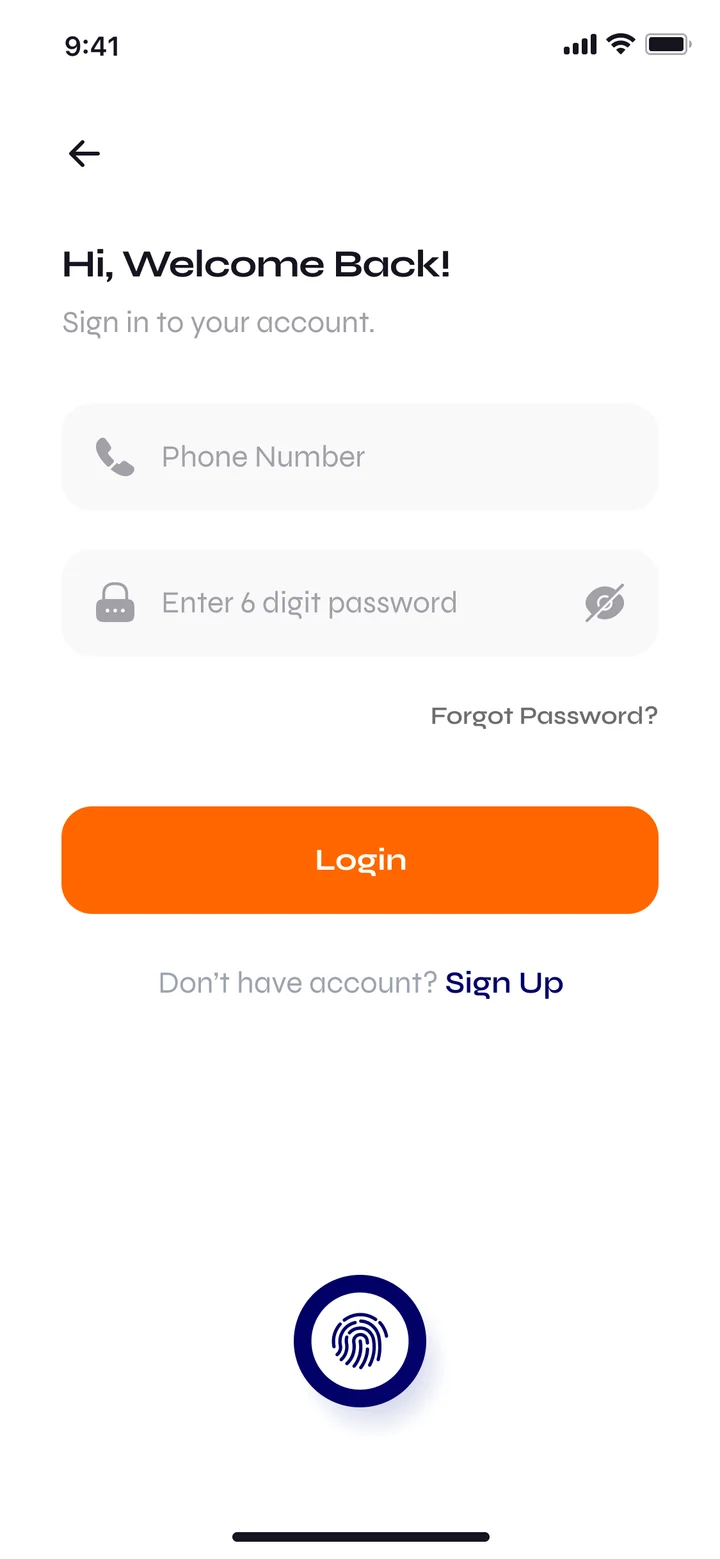
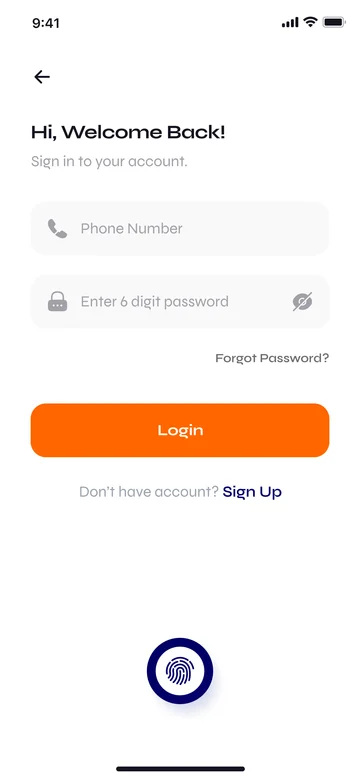
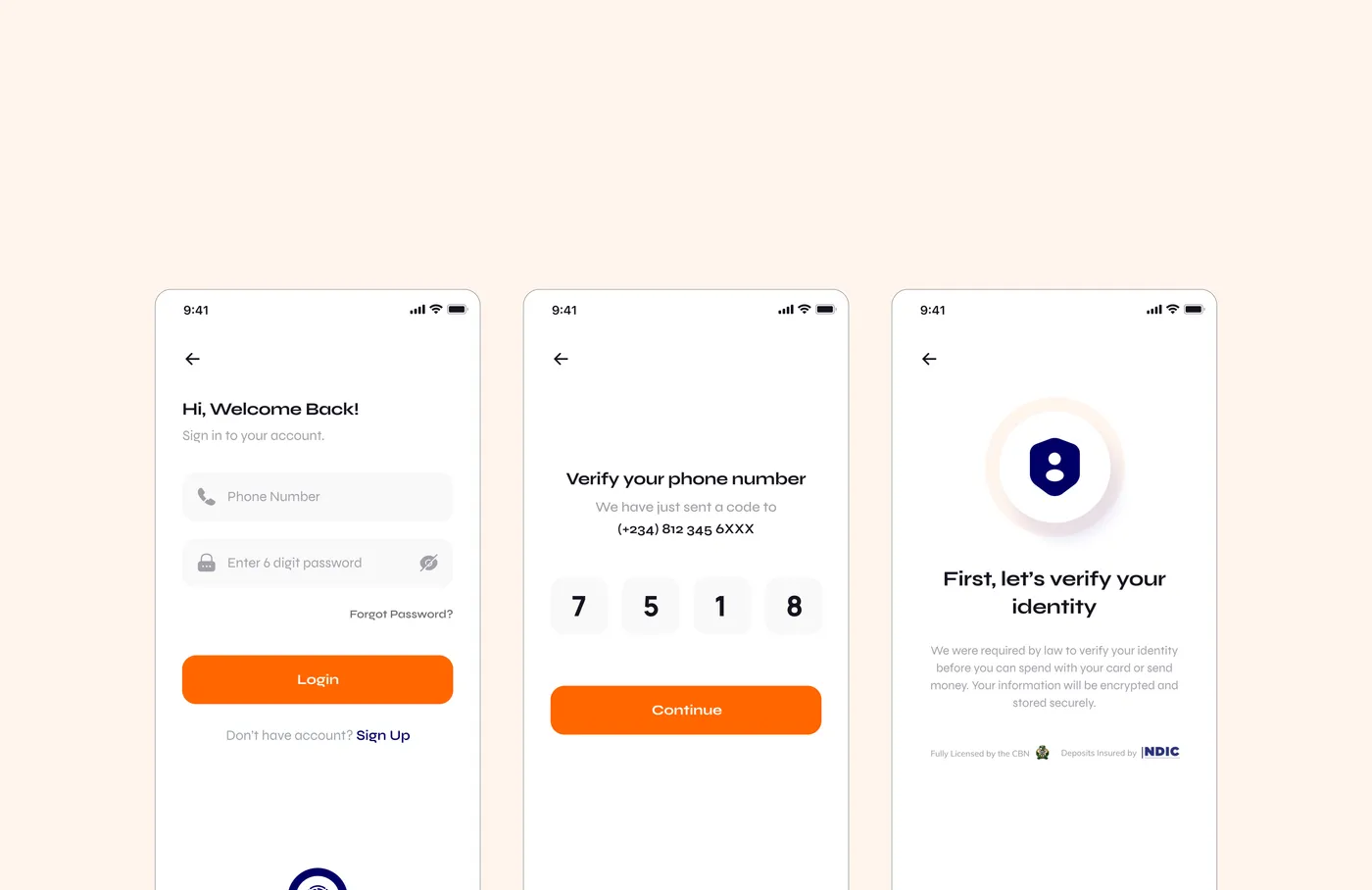
A phone number and a 6-digit password to begin, a code to confirm the number, then fingerprint sign-in.
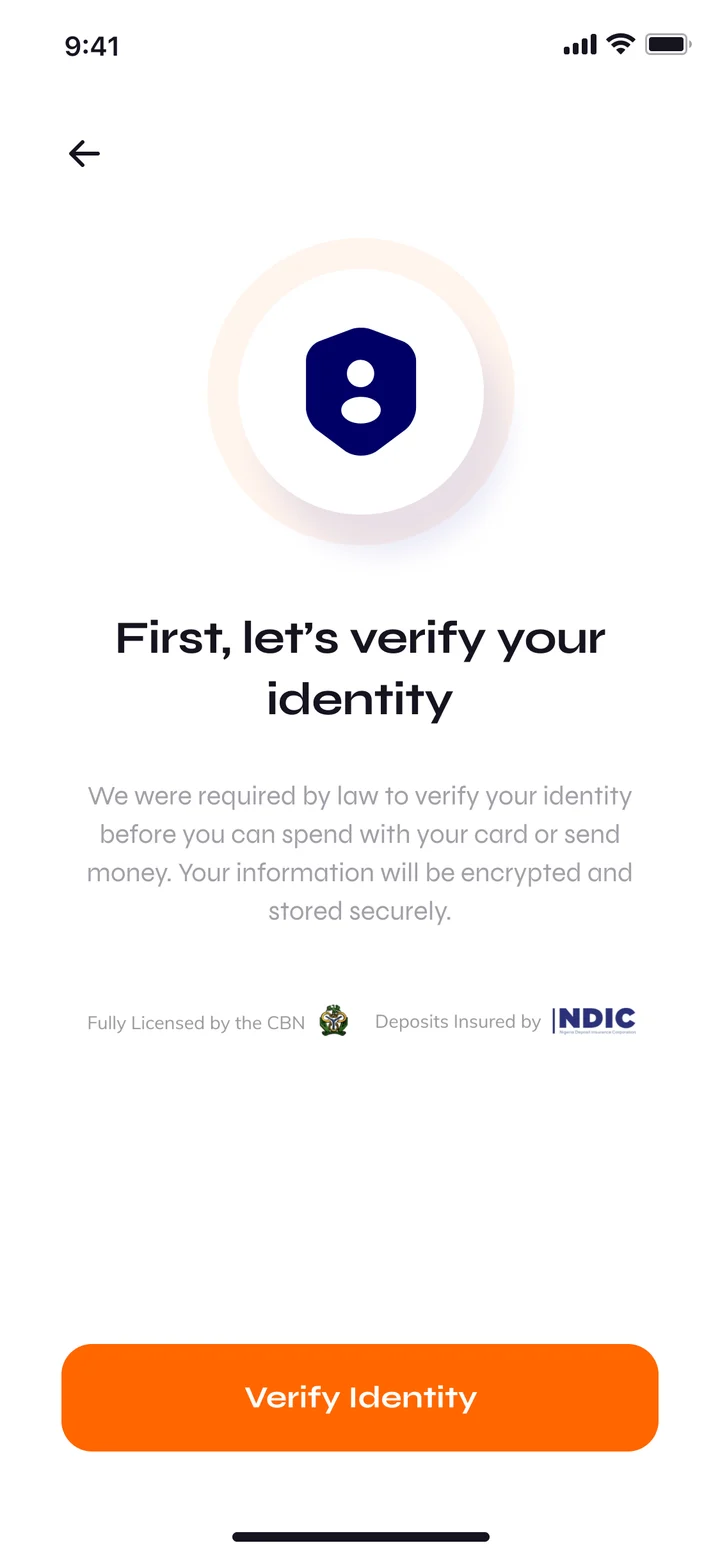
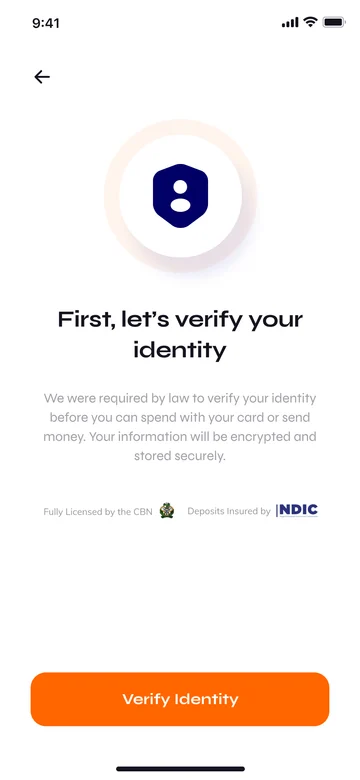
One number, BVN or NIN, then one document. One question per screen, with a line on why it is asked.
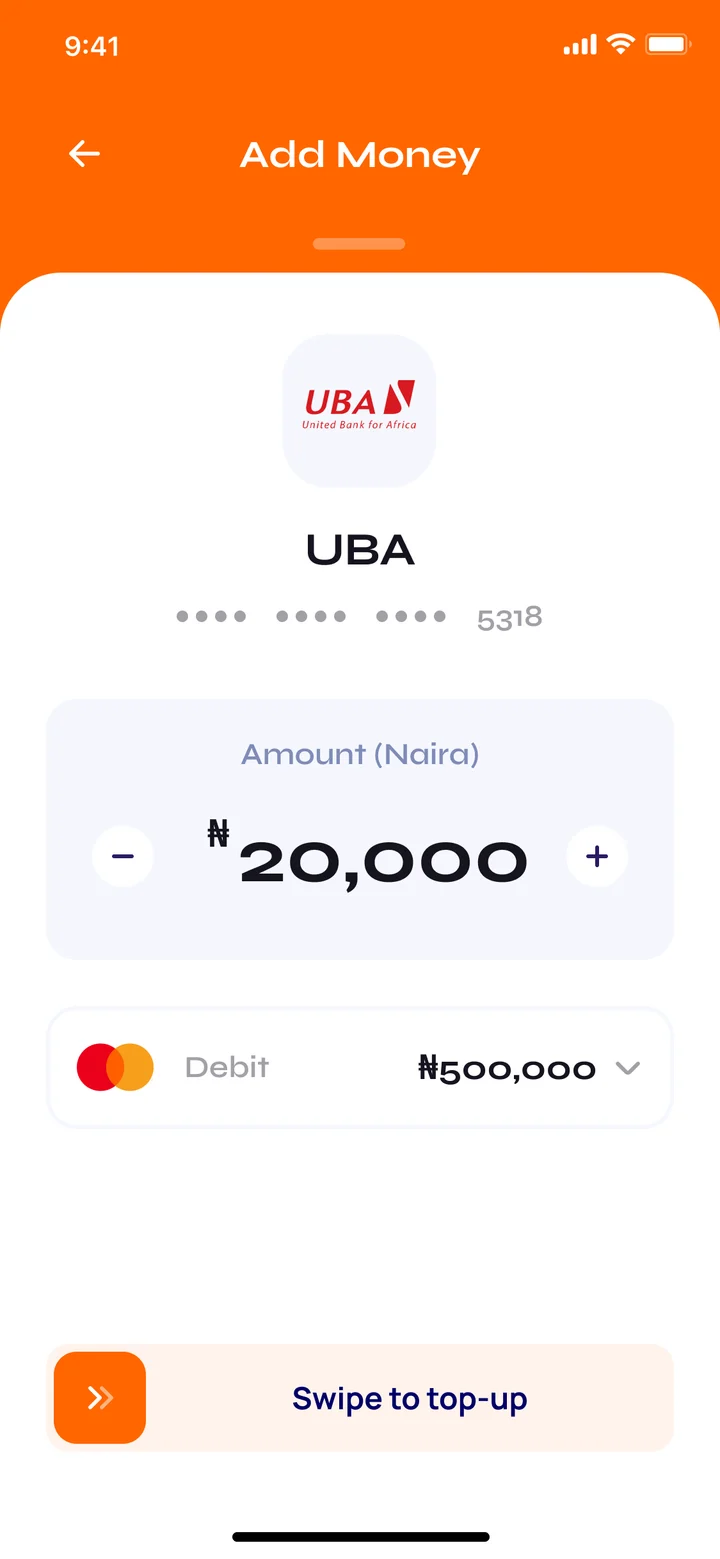
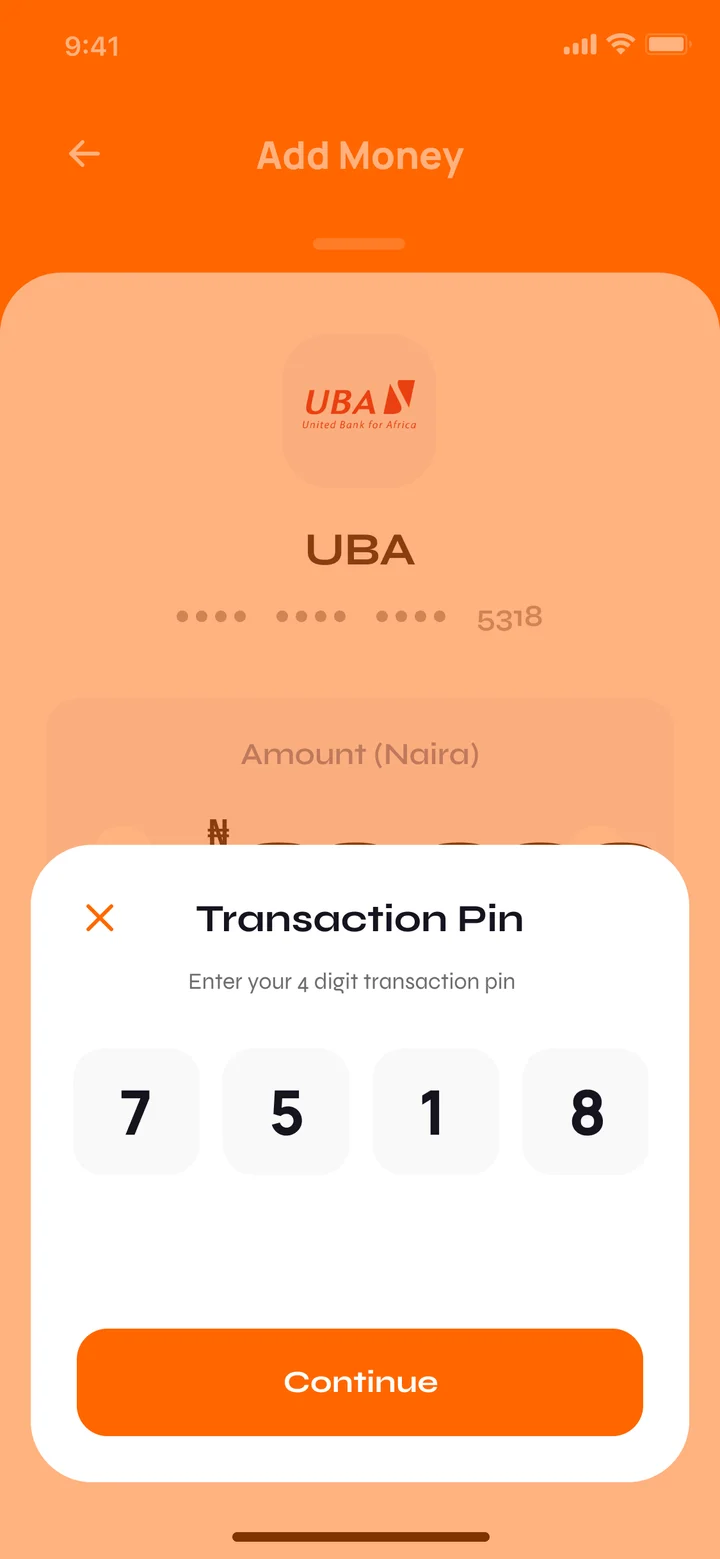
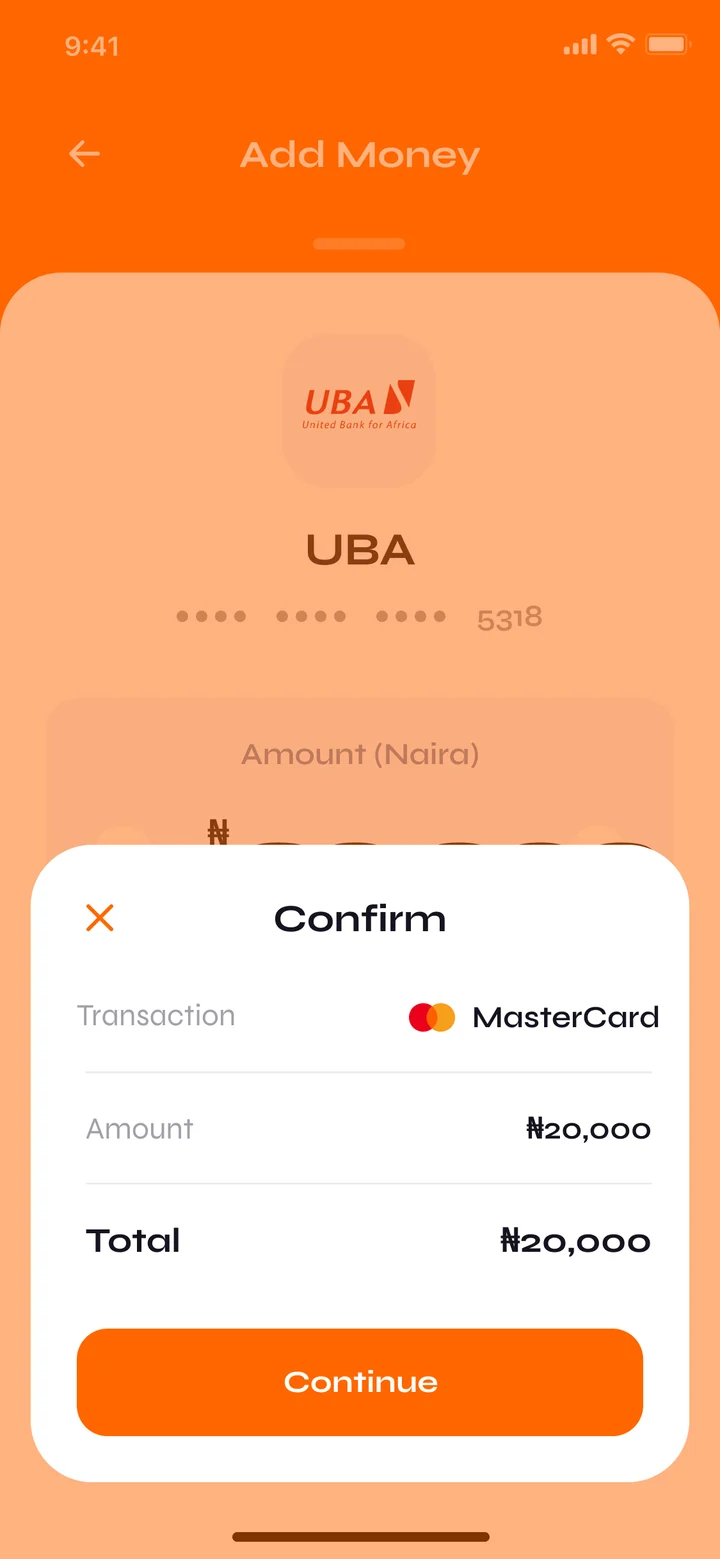
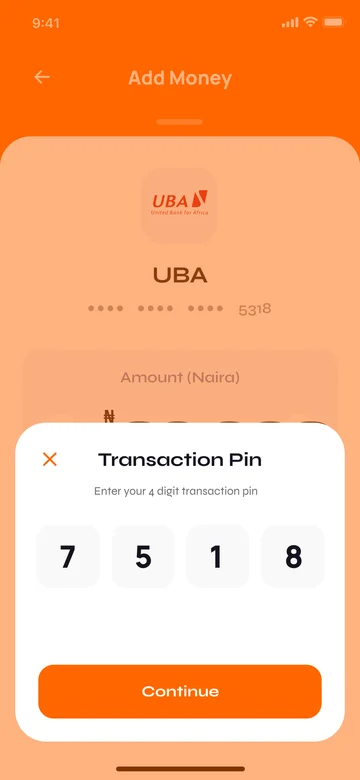
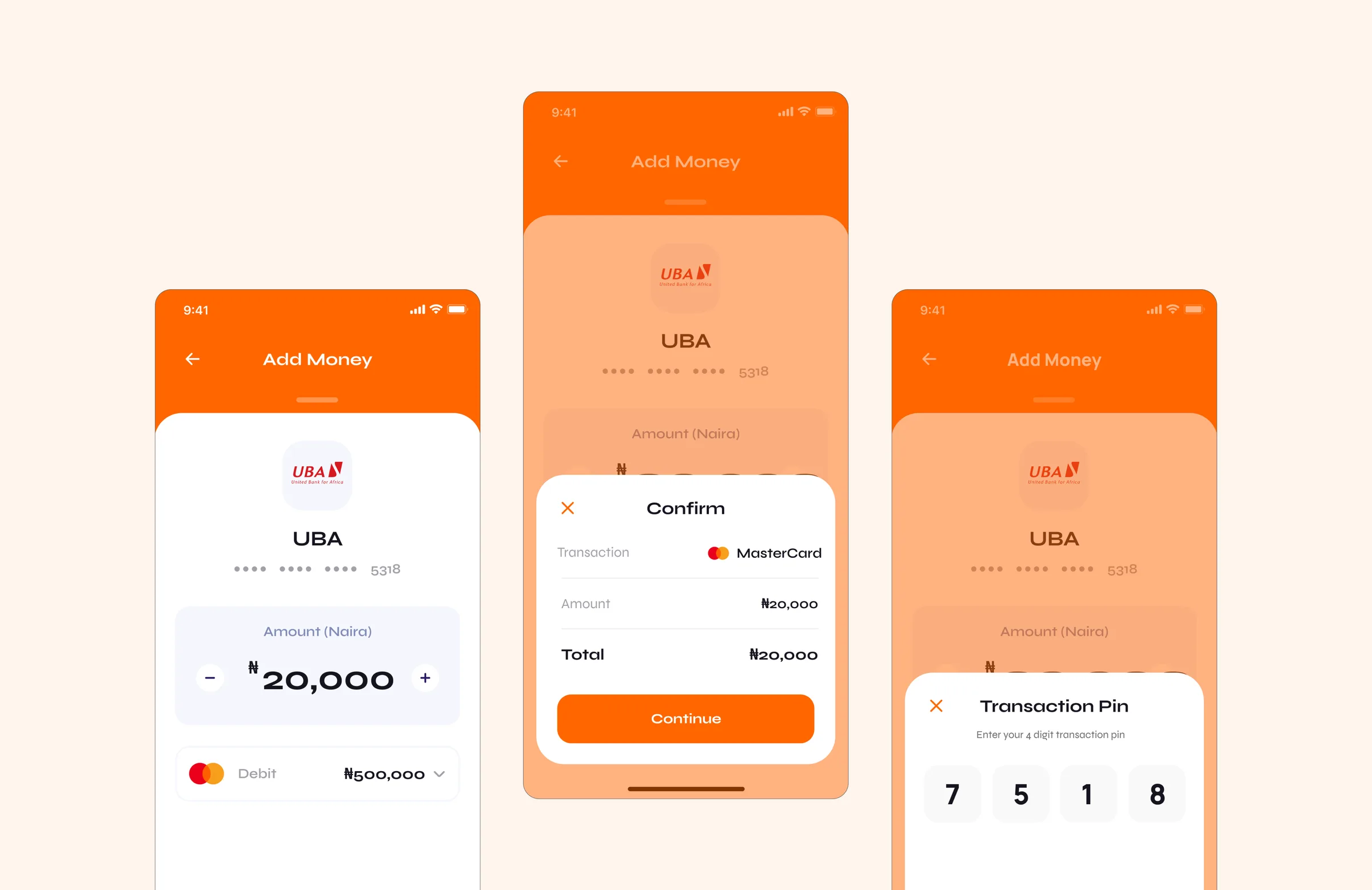
Choose the amount, swipe to top up, enter a 4-digit PIN, and check card, amount and total before it goes.
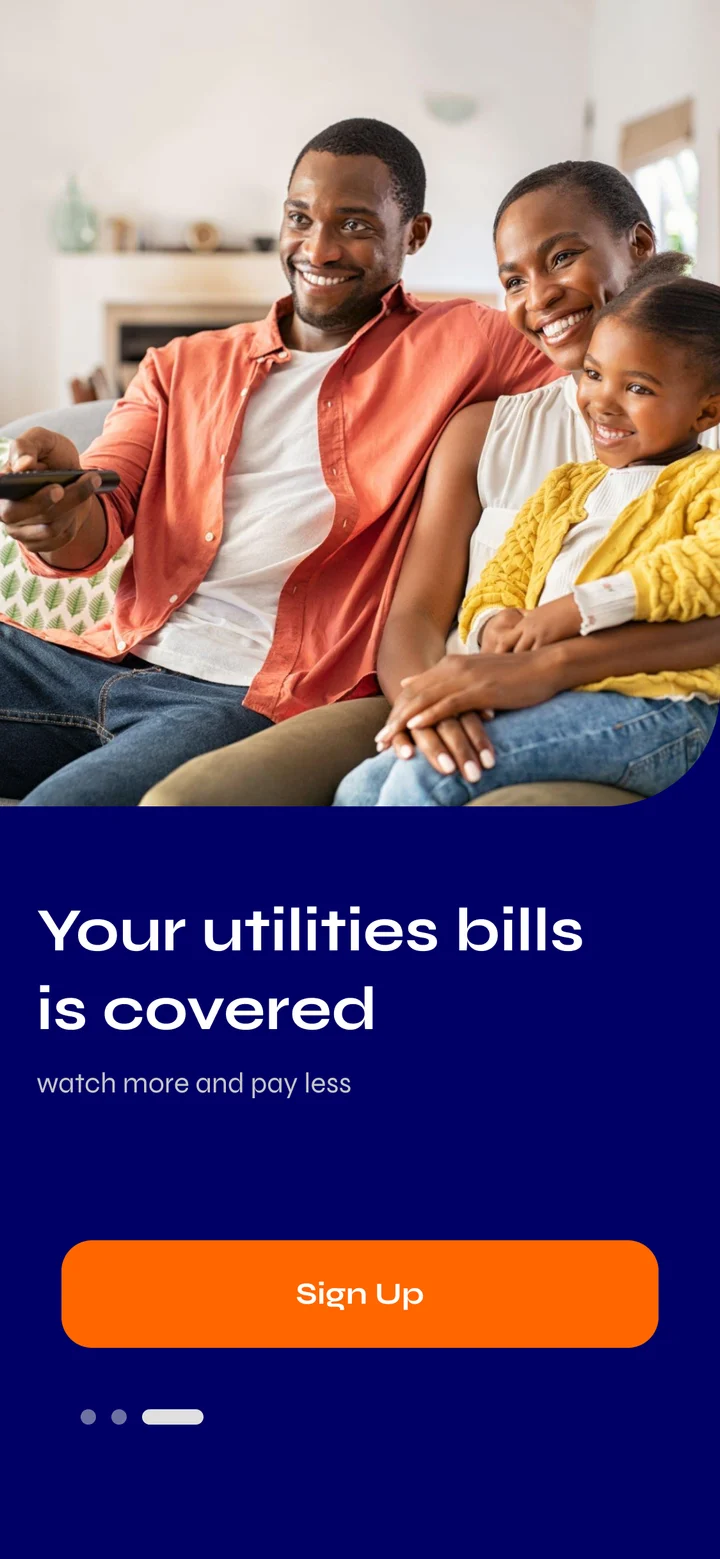
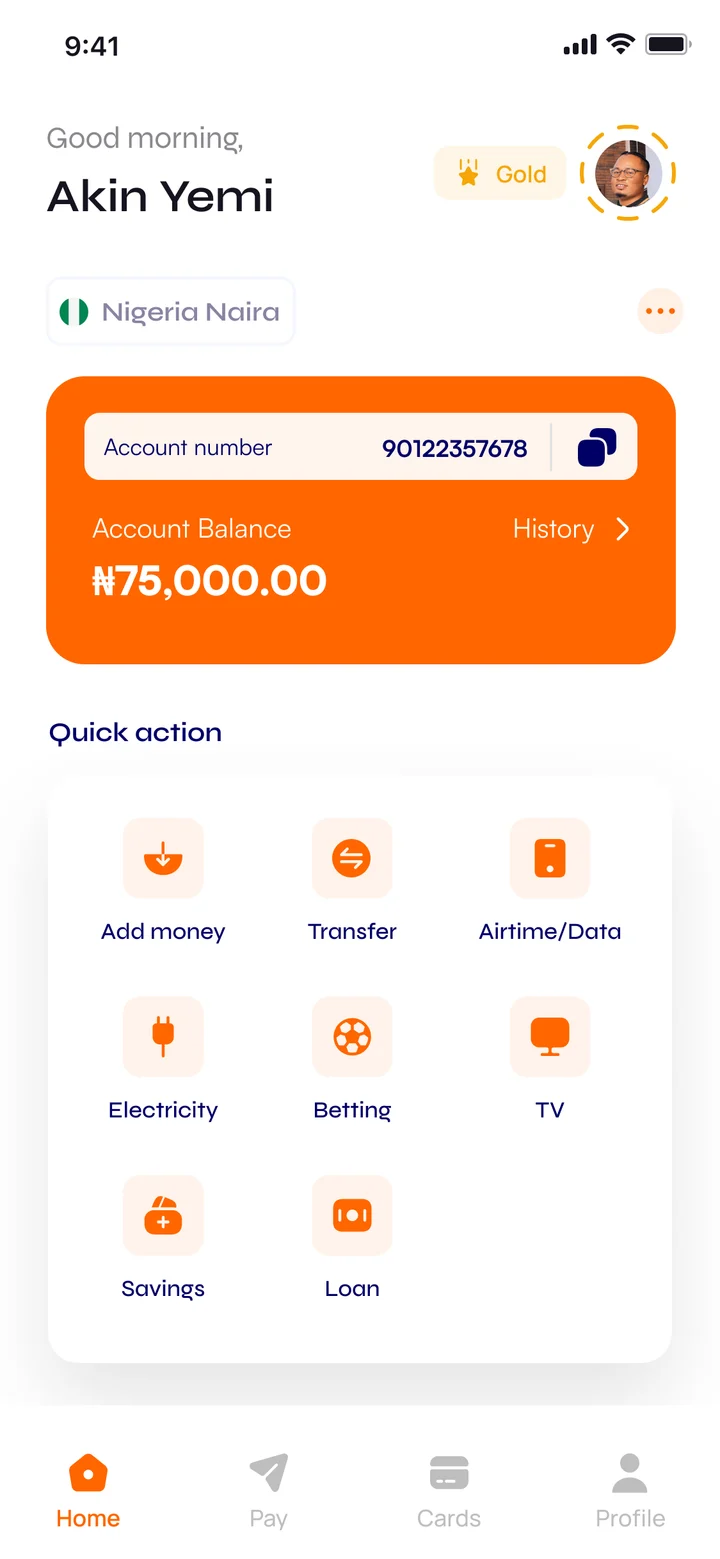
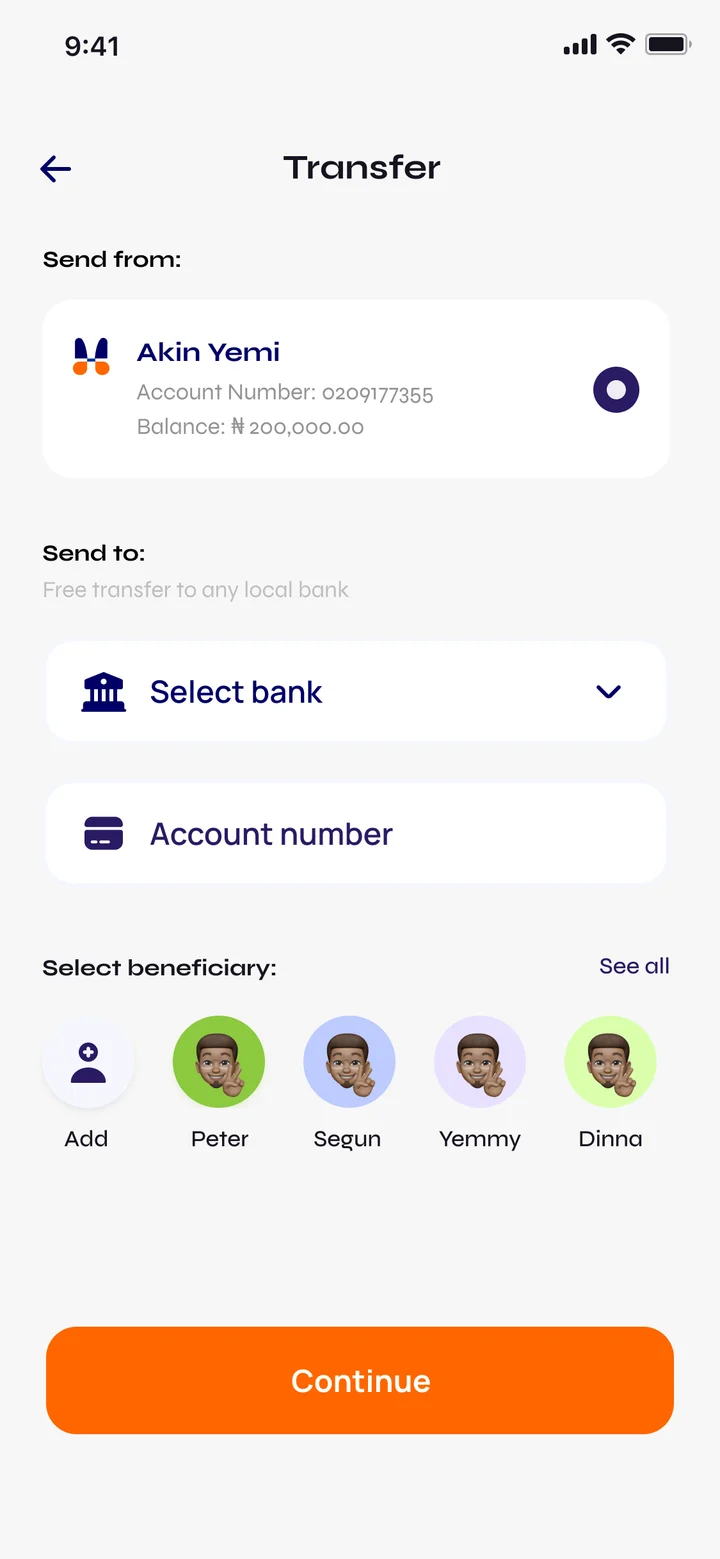
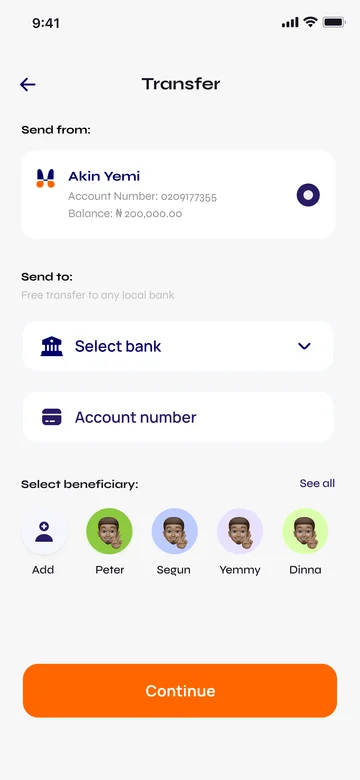
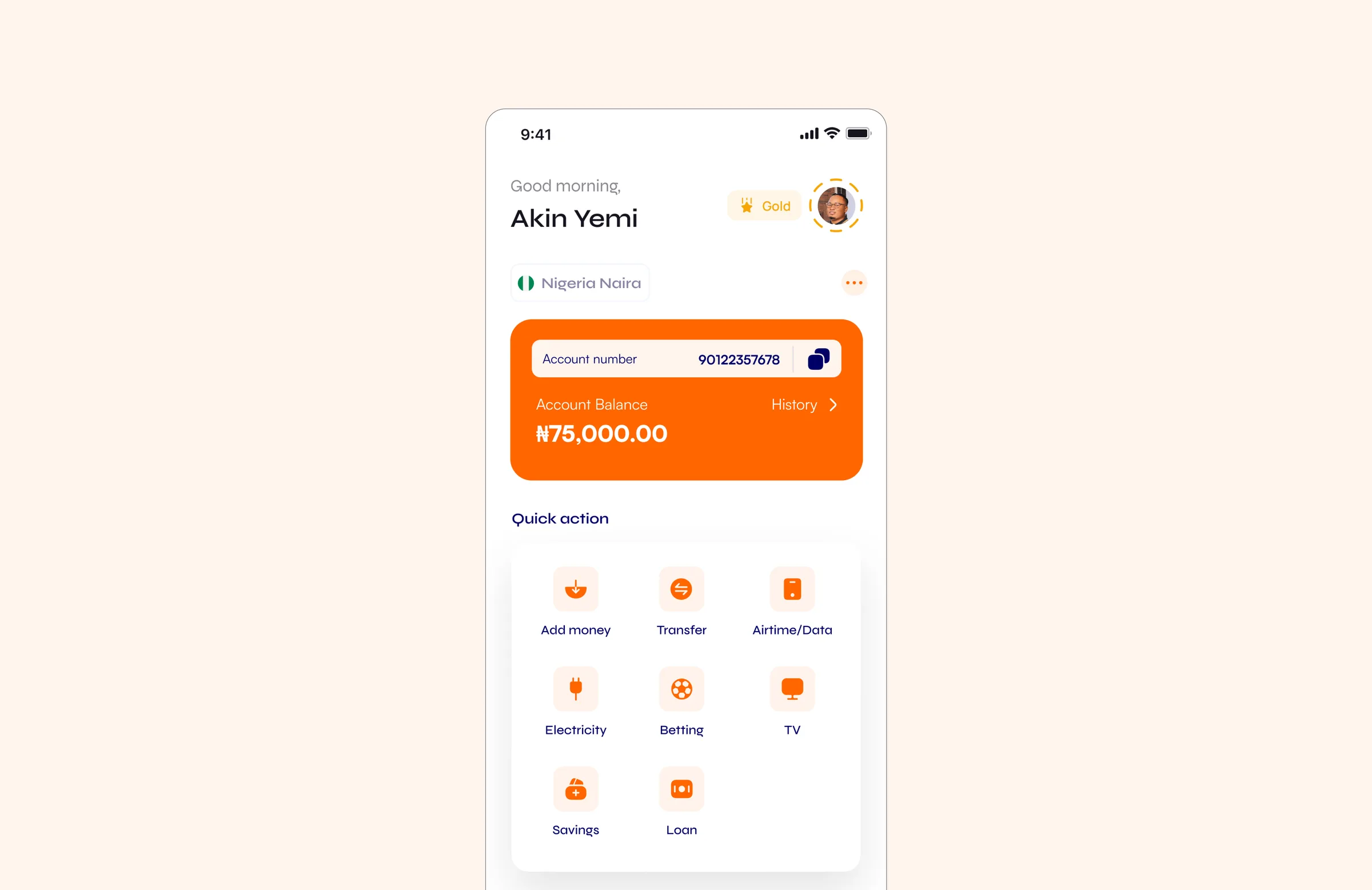
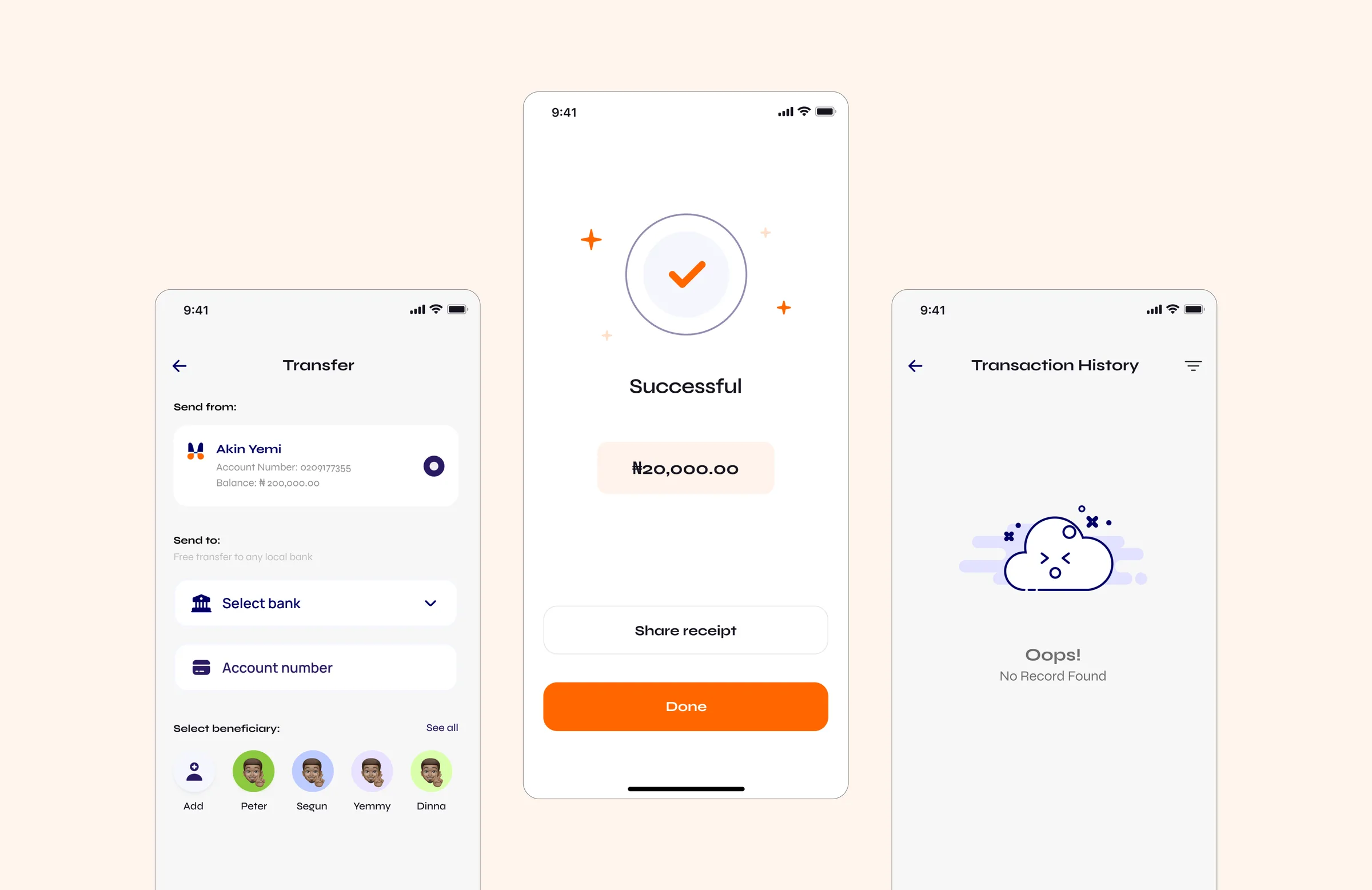
Saved beneficiaries, free transfers to any local bank, preset airtime amounts, and bills as quick actions on home.
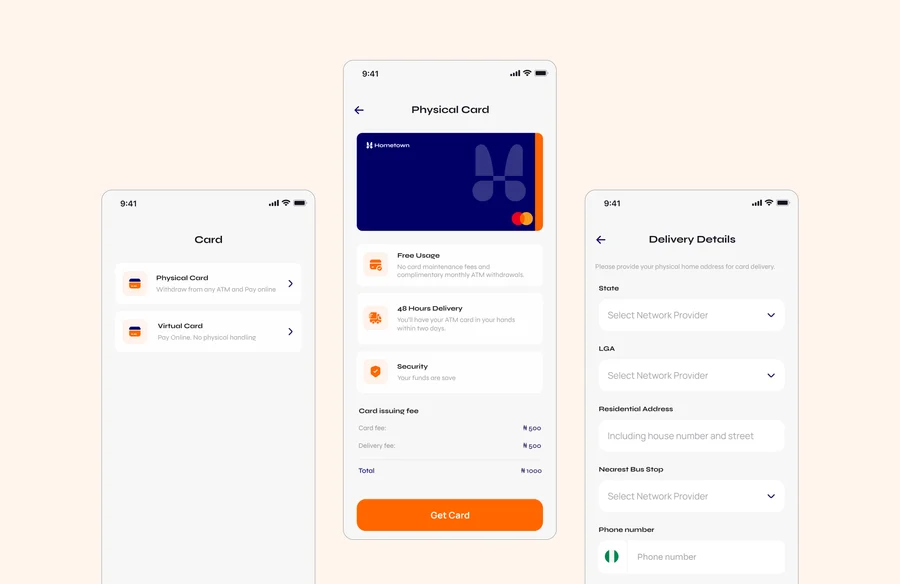
Card fees and 48-hour delivery shown before ordering. Each account level lists its limits and what raises them.
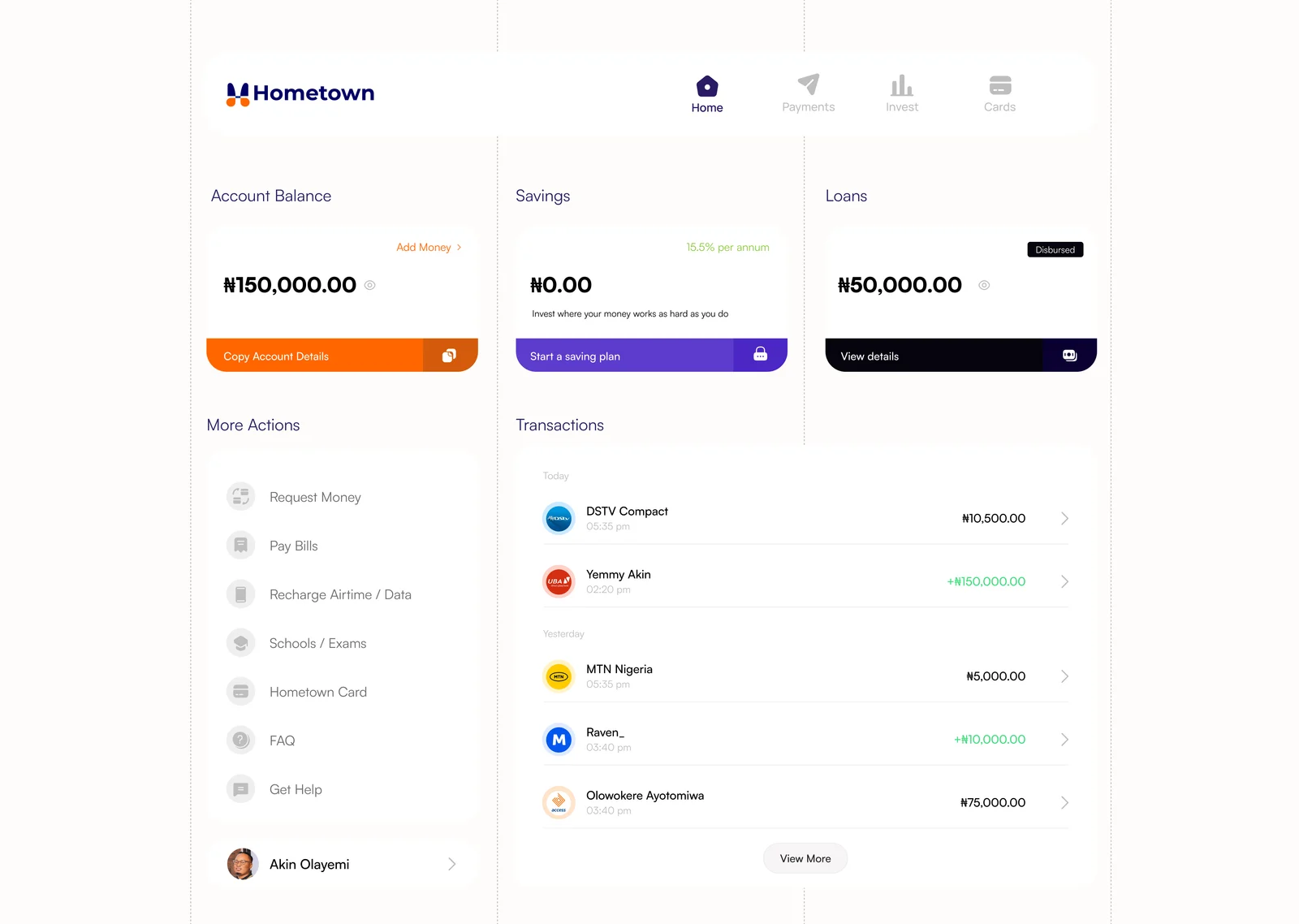
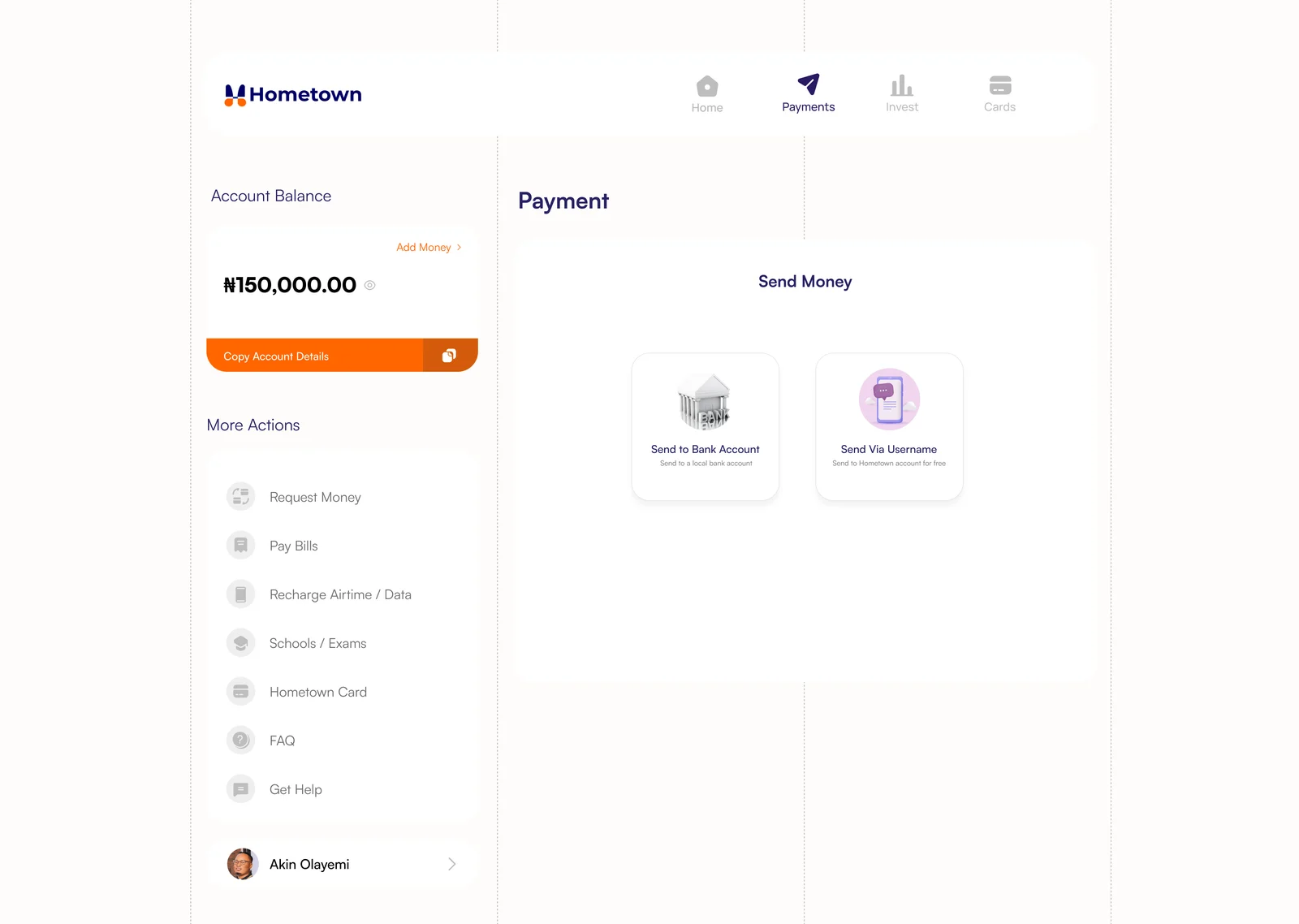
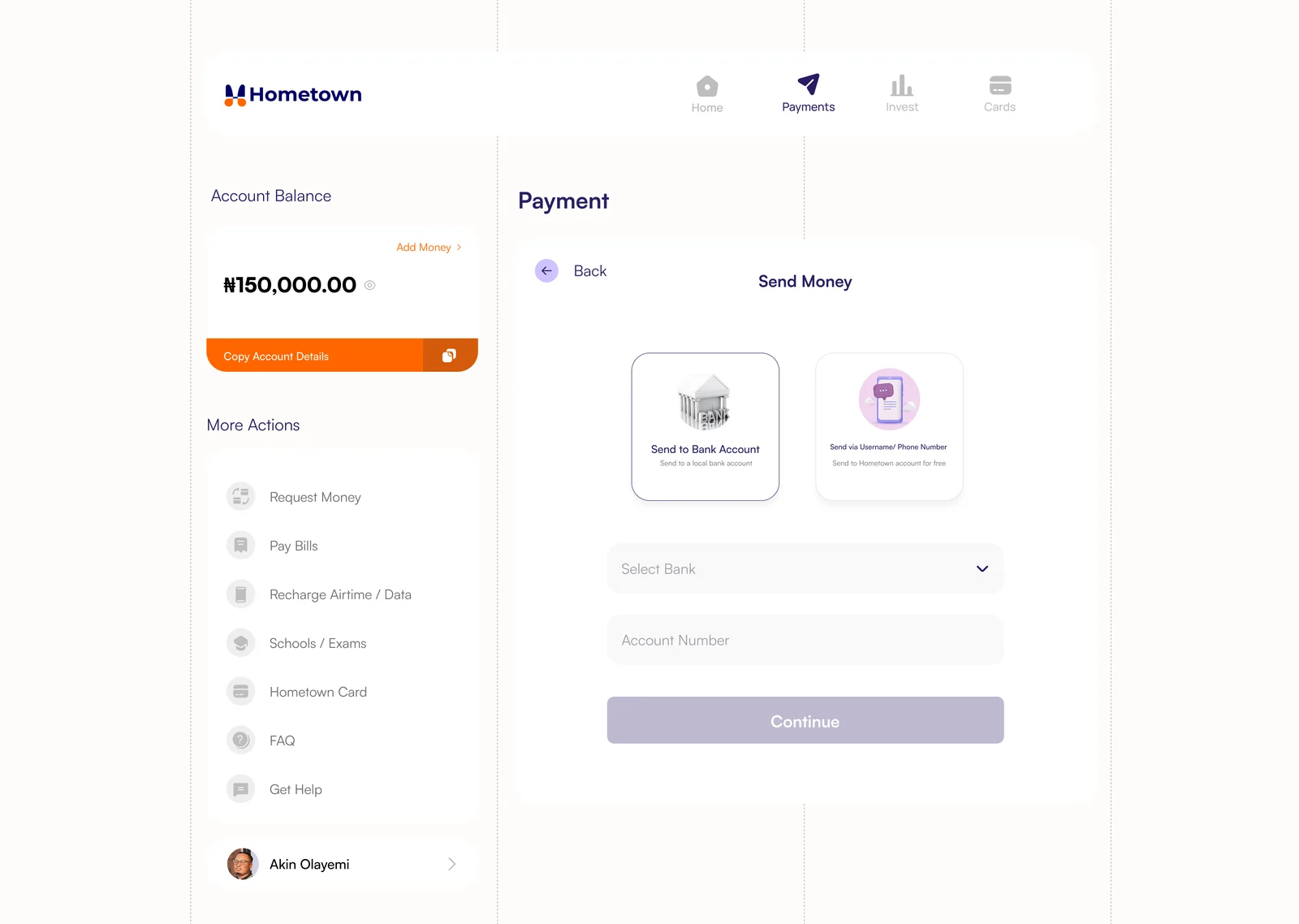
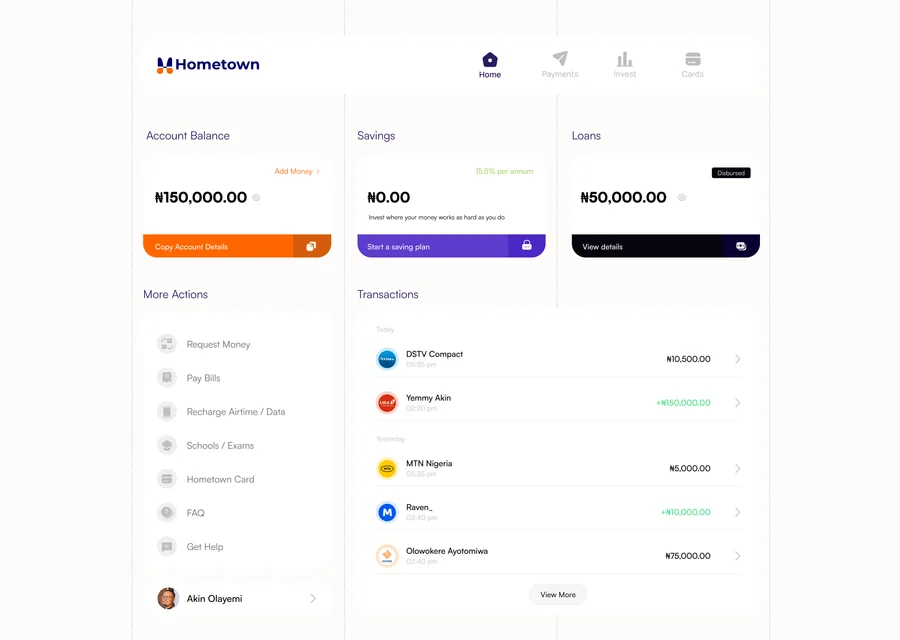
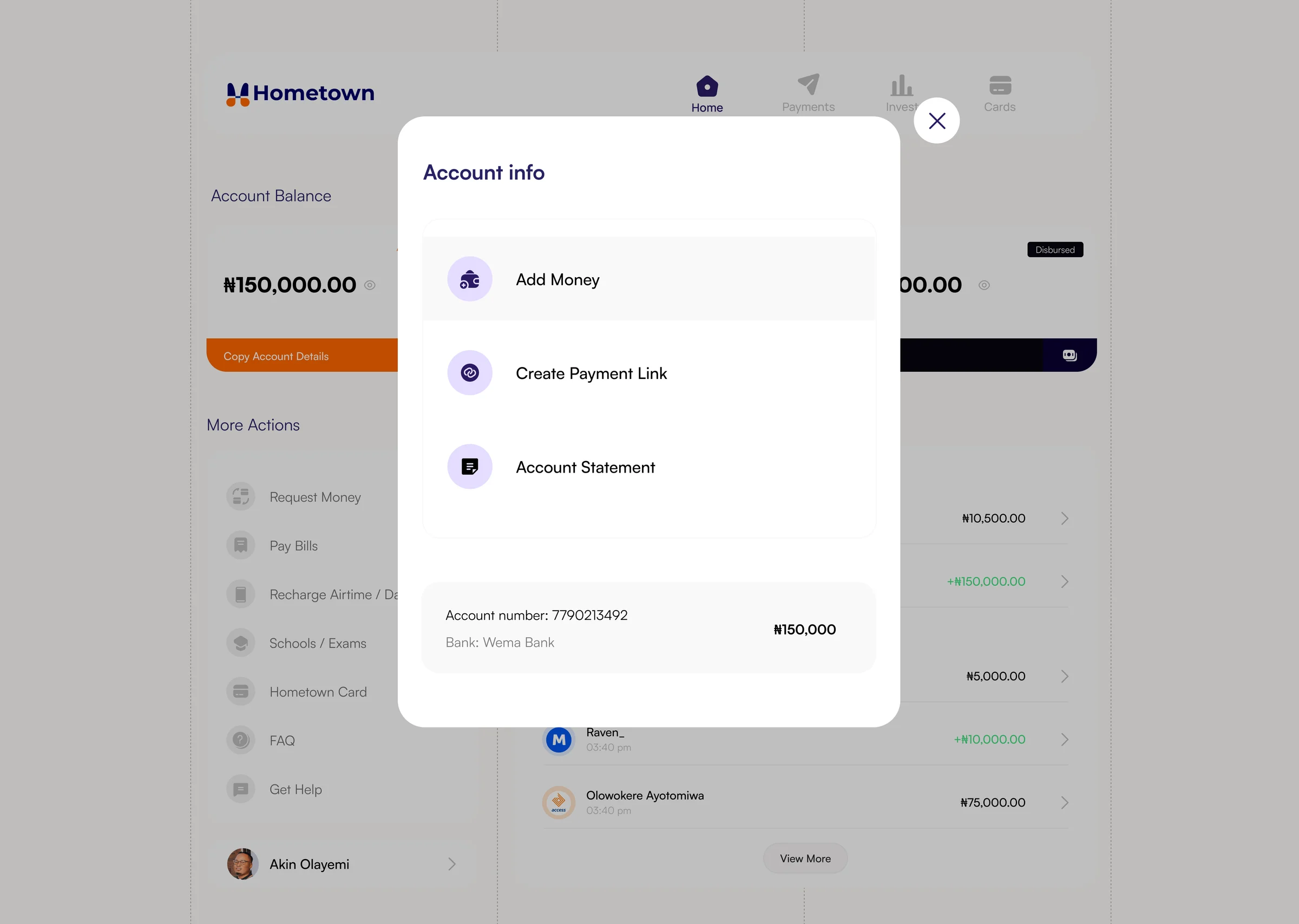
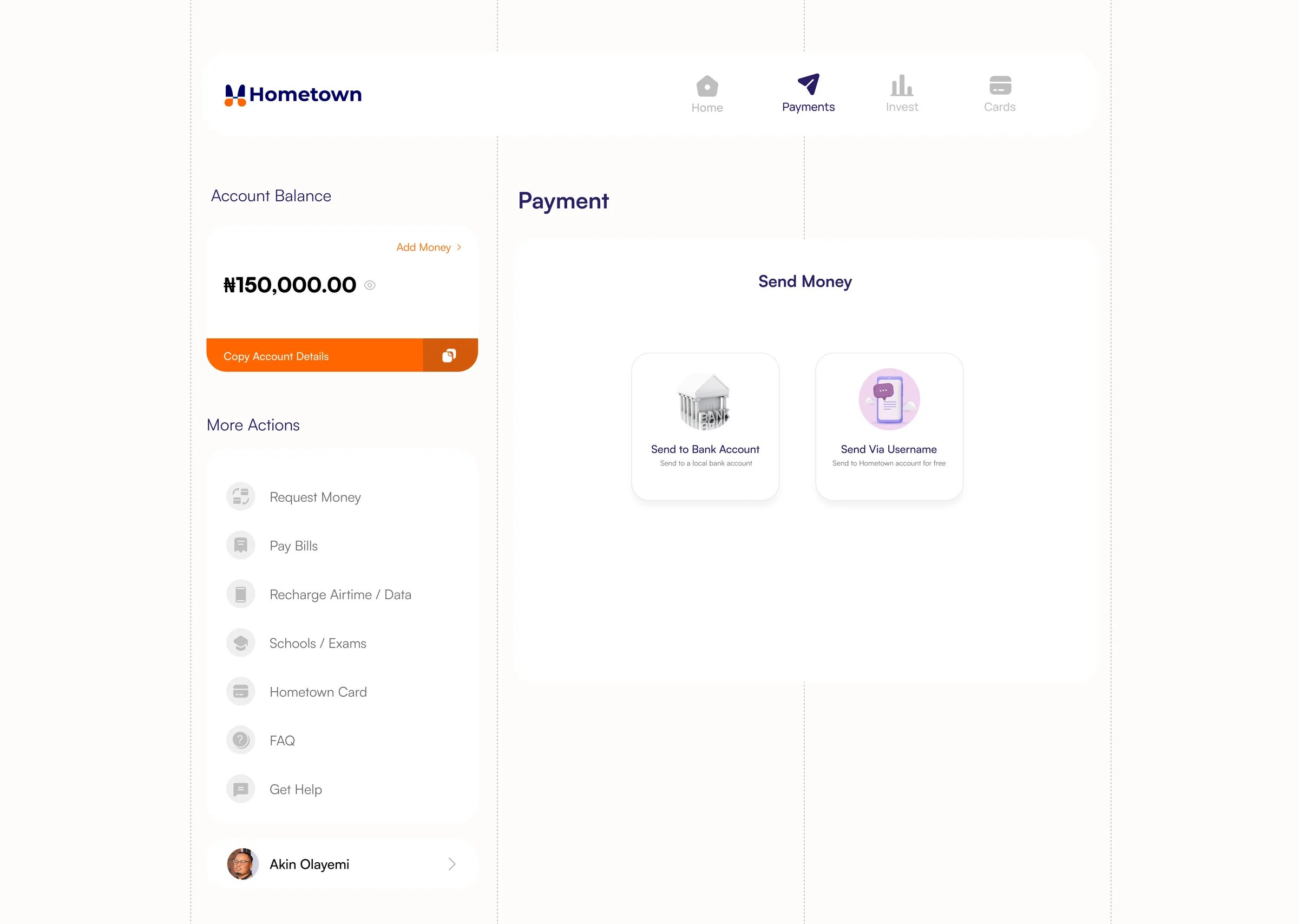
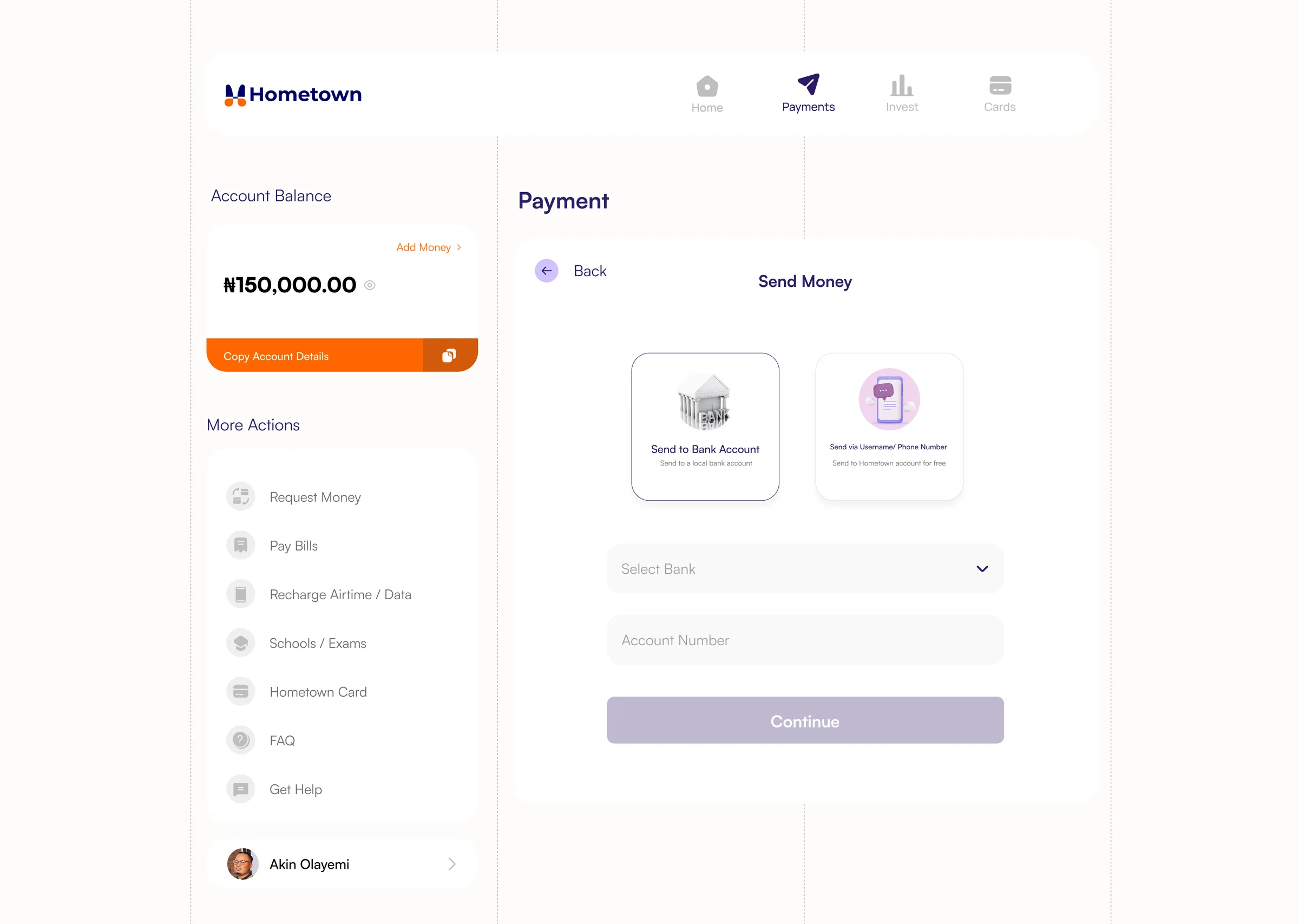
One home for balance, savings, loans and transactions, and payments by bank account or by username.
The mobile app
Sign-up and identity checks, home, adding money, transfers, bills, cards and account levels.
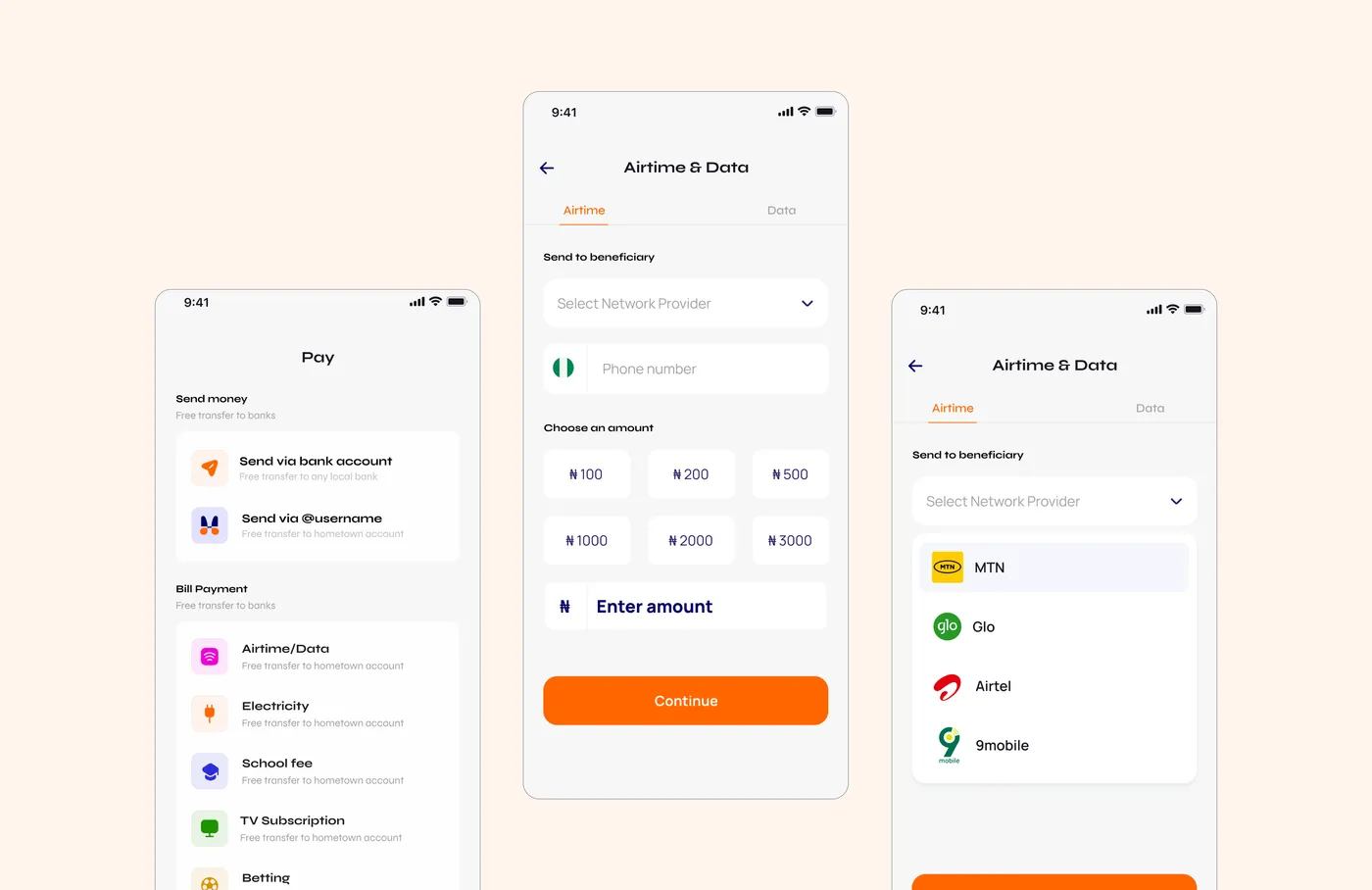
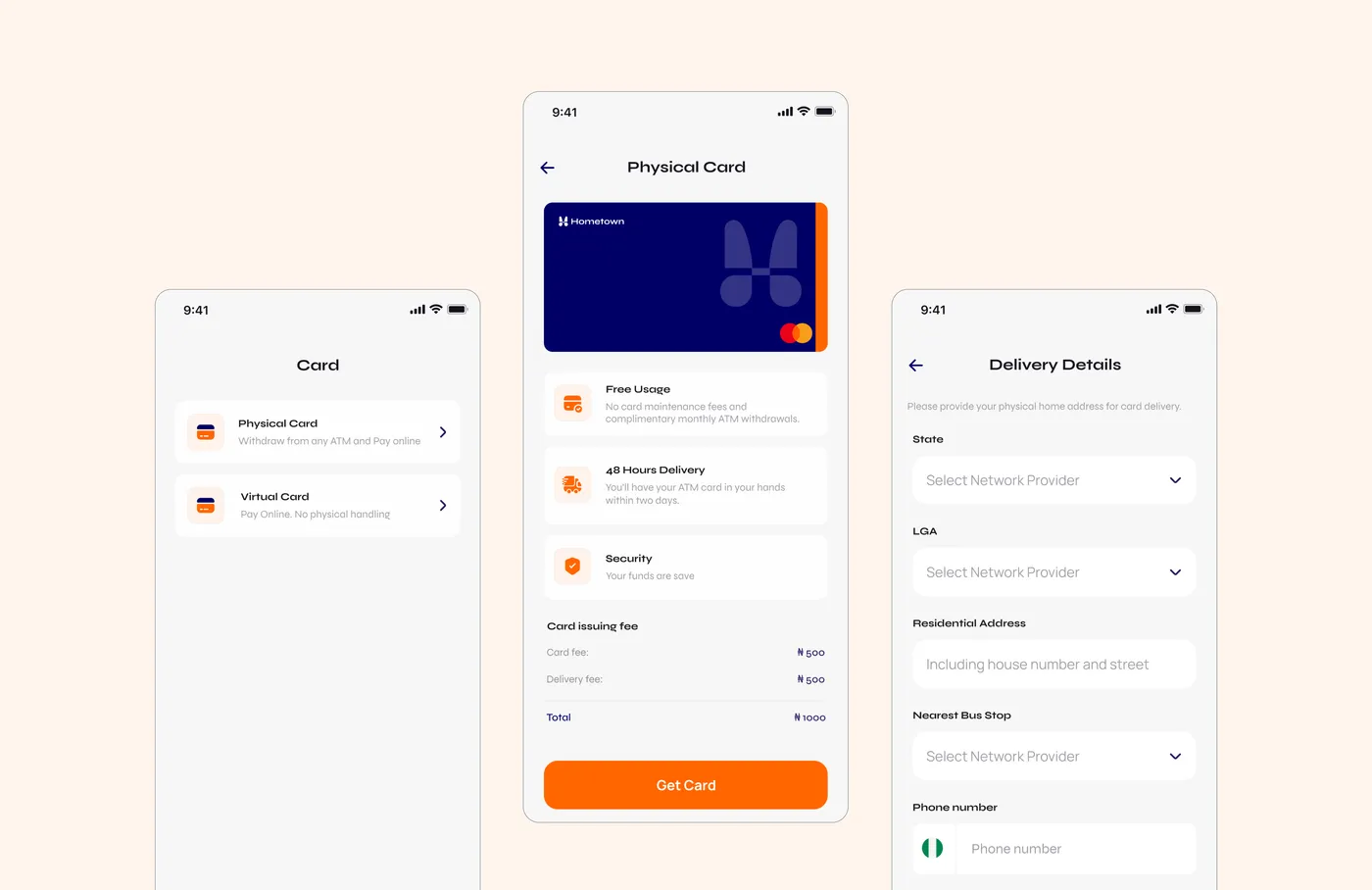
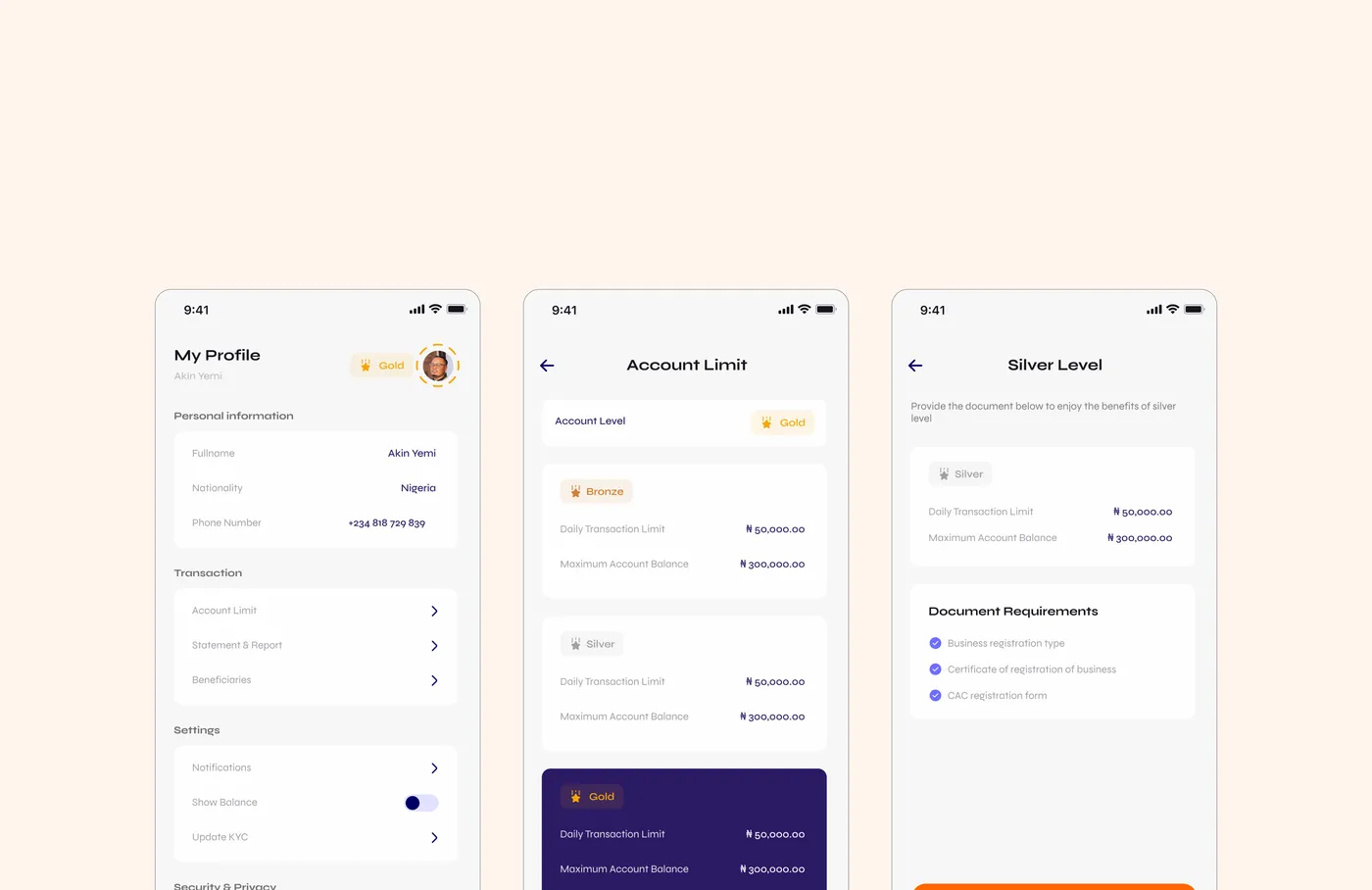
Everything a customer can do
From signing up to paying a bill, in one app.
Twenty-eight things Hometown lets people do, from signing up to paying for electricity
The web app
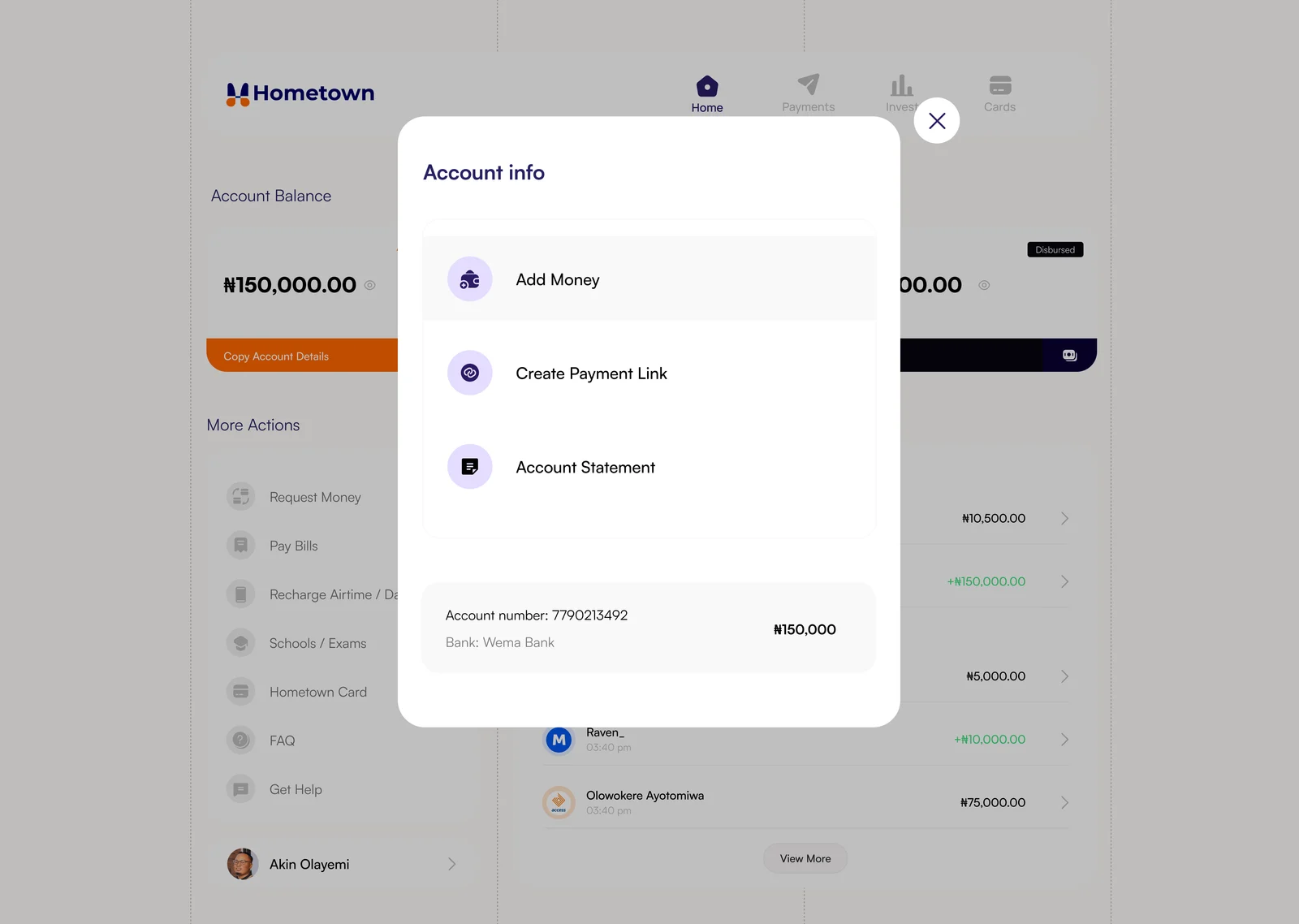
Balance, savings, loans and transactions on one home. Payments by bank account or by username.
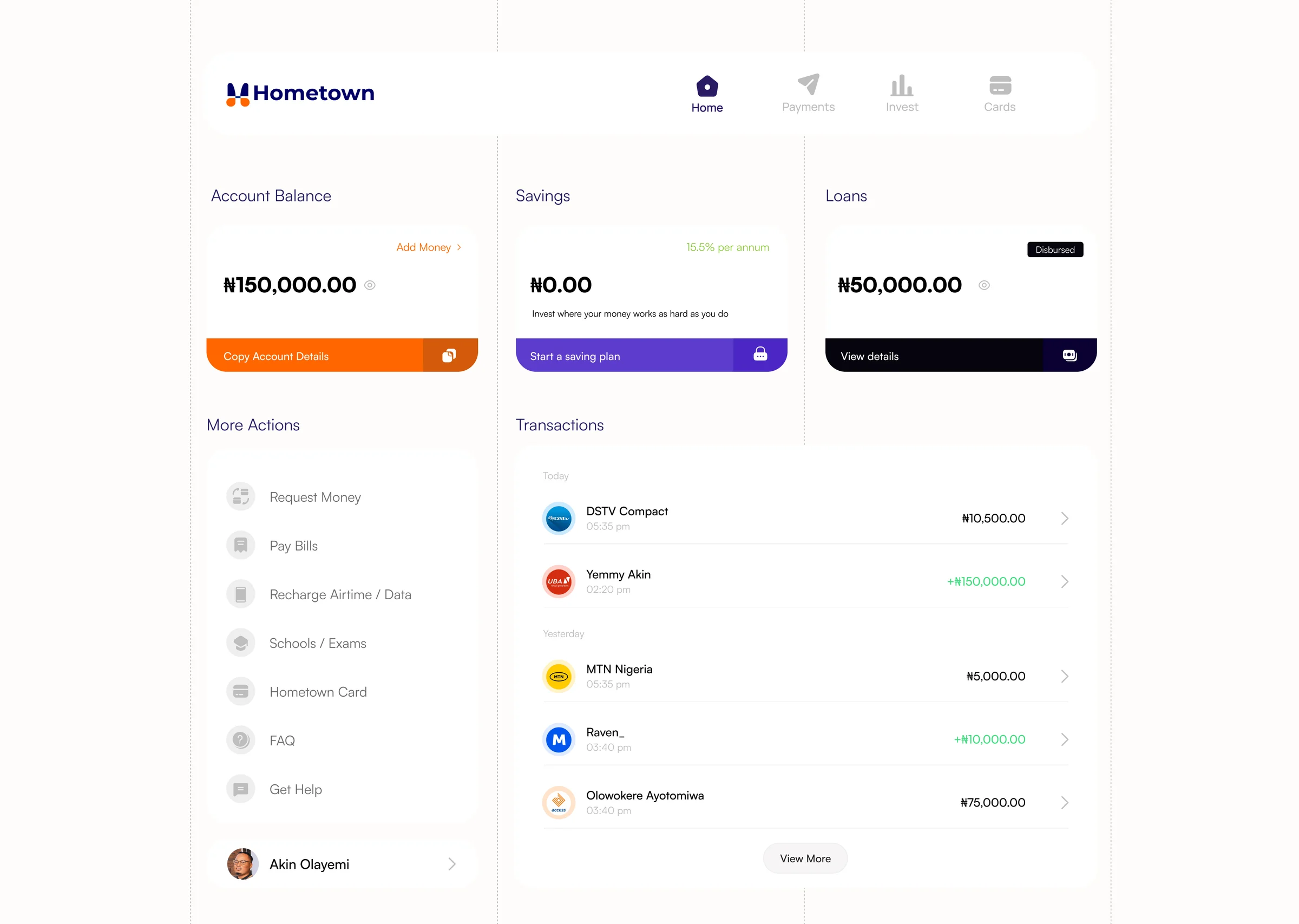
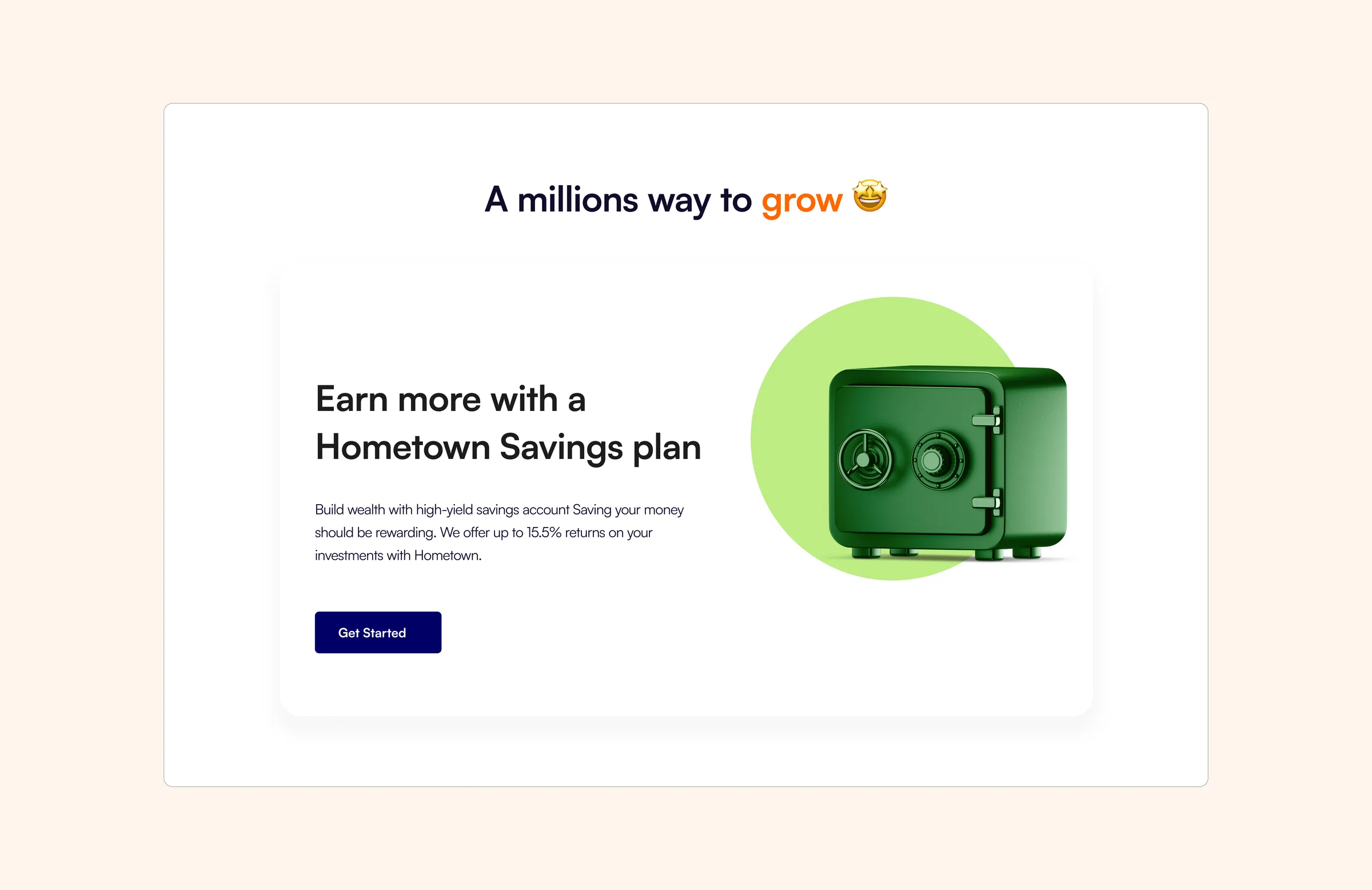
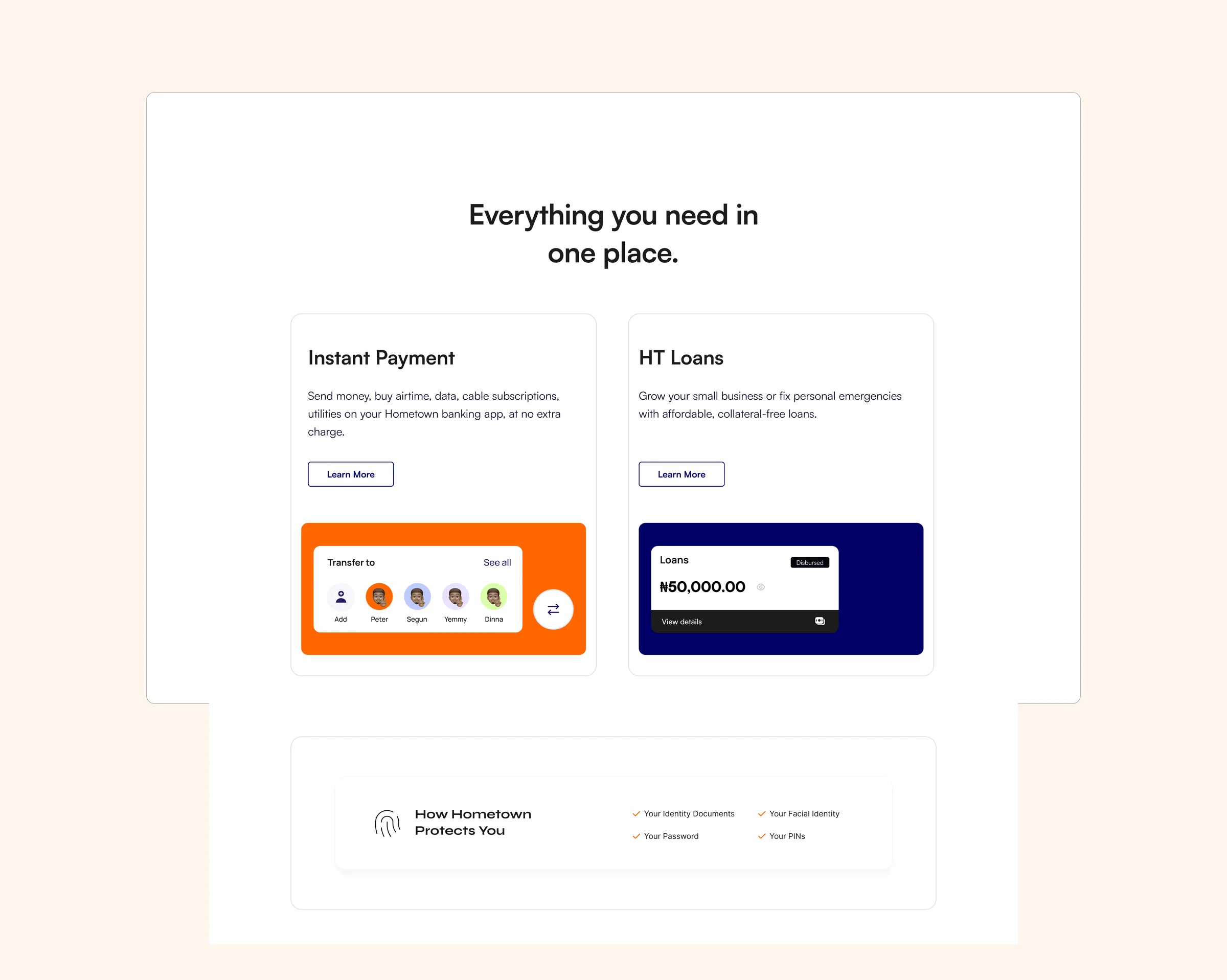
The landing page
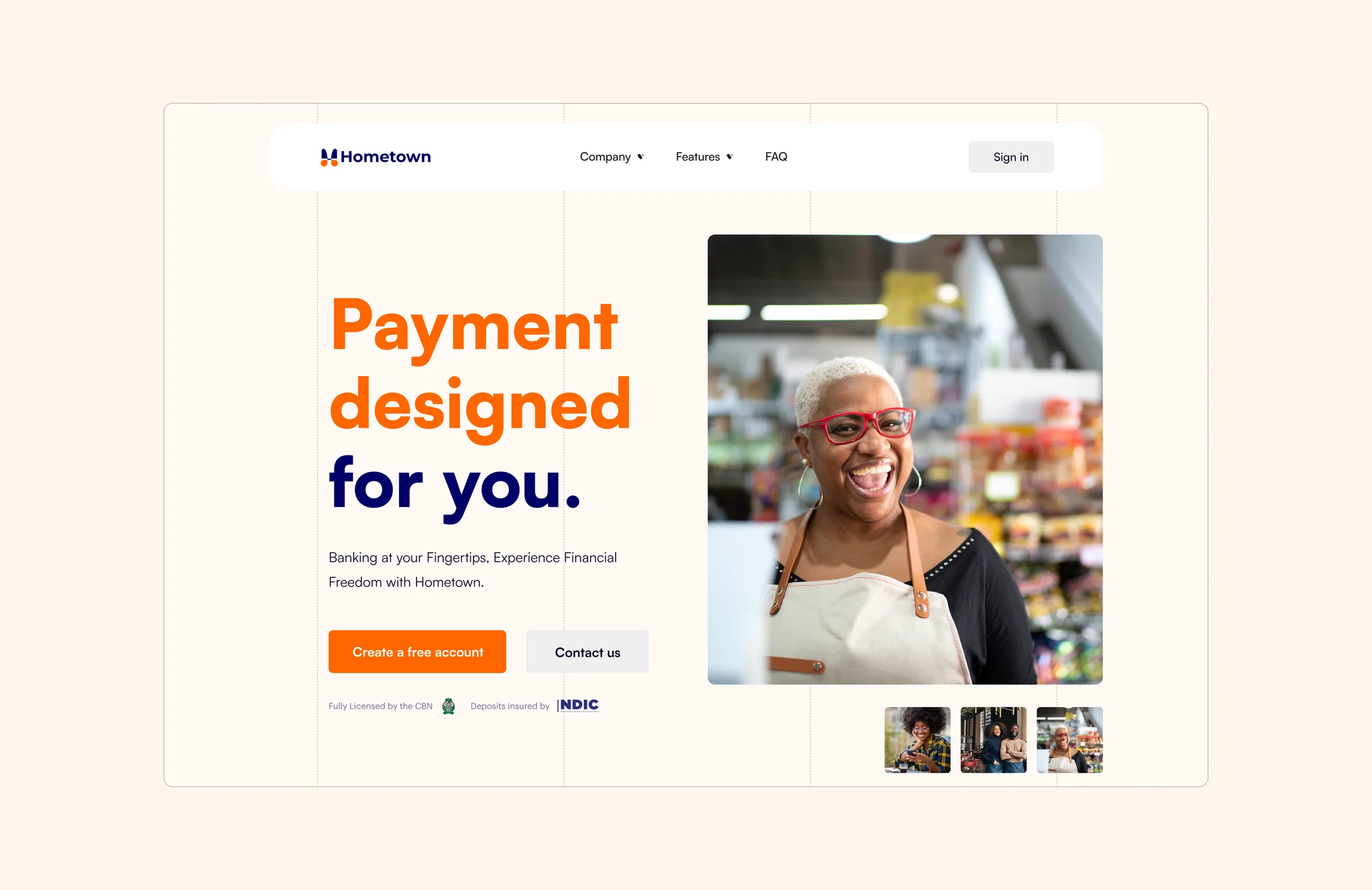
The public site: the first screen, the savings plan, and every product in one place.
Shipped
Everyday banking made simple and safe, from the first sign-up to the last bill, on a phone and in a browser.